Bienvenido de nuevo
Inicia sesión en tu cuenta de Zyla API Hub


O
¿No tienes una cuenta? ¡Regístrate!

Separe precisamente los contornos de los productos de los fondos en imágenes del mundo real con nuestra API de Eliminación de Fondos de Productos, que devuelve imágenes de productos en primer plano segmentadas.
{"data":{"image_url":"https:\/\/ai-result-rapidapi.ailabtools.com\/cutout\/segmentCommodity\/2024-06-29\/080130-ed0a77f9-139a-7e36-ca38-cd7c9e8ce1e2-1719648090.png"},"error_code":0,"error_detail":{"status_code":200,"code":"","code_message":"","message":""},"log_id":"738F9BD7-B74E-57E5-87DD-9986A83DBD43","request_id":"738F9BD7-B74E-57E5-87DD-9986A83DBD43"}
    curl --location 'https://zylalabs.com/api/4403/product+background+removal+api/5412/product+background+removal' \
    --header 'Content-Type: application/json' \
    --form 'image=@"FILE_PATH"'
Después de registrarte, a cada desarrollador se le asigna una clave de acceso a la API personal, una combinación única de letras y dígitos proporcionada para acceder a nuestro endpoint de la API. Para autenticarte con el Eliminación de fondo de producto API simplemente incluye tu token de portador en el encabezado de Autorización.
| Encabezado | Descripción |
|---|---|
Autorización
|
Requerido
Debería ser Bearer access_key. Consulta "Tu Clave de Acceso a la API" arriba cuando estés suscrito.
|
Sin compromiso a largo plazo. Mejora, reduce o cancela en cualquier momento.
Nuestra API de eliminación de fondo de productos ofrece capacidades avanzadas para identificar y separar los contornos de productos de los fondos en imágenes del mundo real, proporcionando imágenes de productos en primer plano segmentadas de alta calidad con cuatro canales (RGBA). Ideal para comercio electrónico, marketing digital y gestión de catálogos de productos, esta API destaca en el aislamiento de productos completamente visibles, asegurando recortes limpios y precisos. Está diseñada específicamente para fotos de productos del mundo real y no es adecuada para imágenes de dibujos animados. Al integrar nuestra API, puedes optimizar tus flujos de trabajo de procesamiento de imágenes, mejorar la presentación visual y mejorar la experiencia general del usuario. Disfruta de una integración fluida, un rendimiento robusto y alta escalabilidad con nuestra API de eliminación de fondo de productos, adaptada para satisfacer las demandas de las aplicaciones digitales modernas.


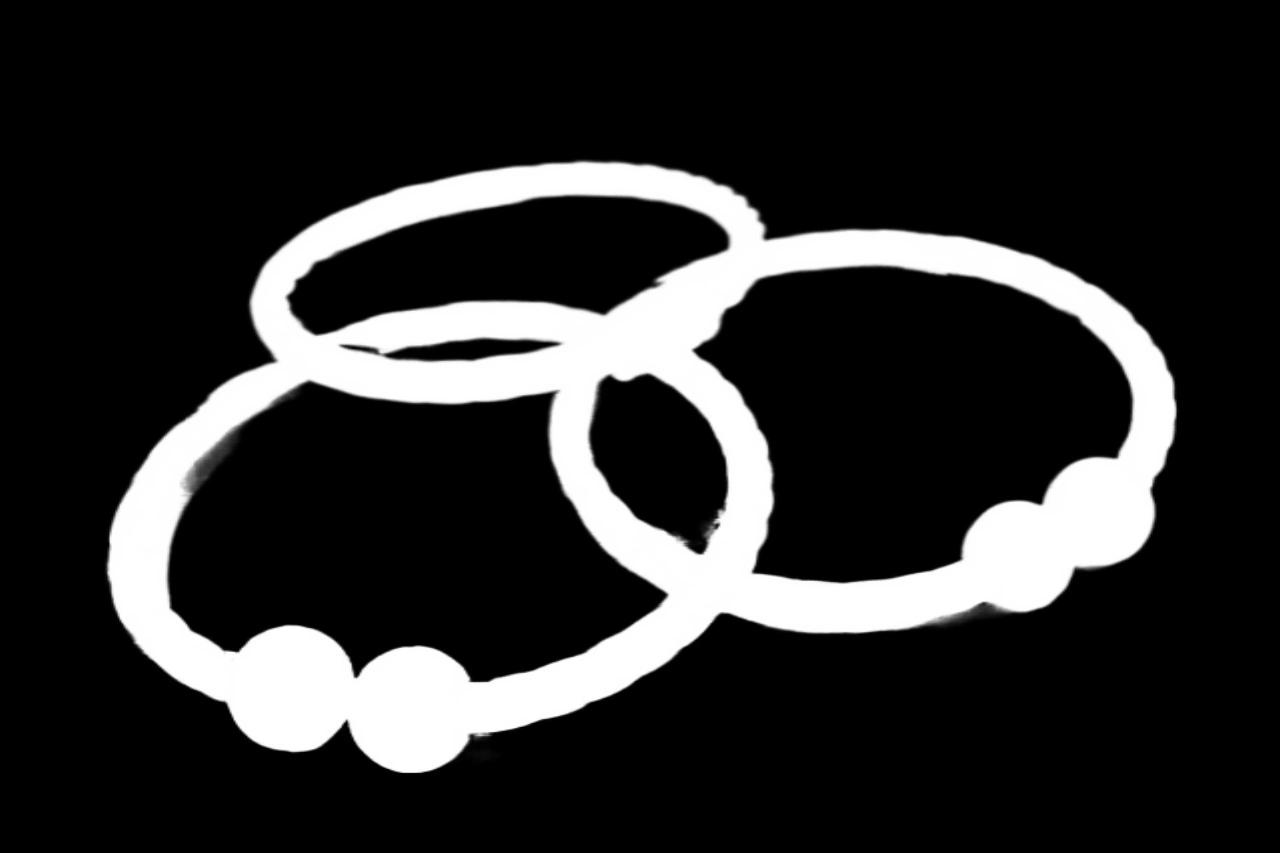

Nuestra API de Eliminación de Fondo de Productos ofrece capacidades avanzadas para identificar y separar los contornos de los productos de los fondos en imágenes del mundo real, proporcionando imágenes de productos en primer plano segmentadas de alta calidad con cuatro canales (RGBA). Ideal para comercio electrónico, marketing digital y gestión de catálogos de productos, esta API destaca en la isolación de productos completamente visibles, asegurando recortes limpios y precisos. Está diseñada específicamente para fotos de productos del mundo real y no es adecuada para imágenes de dibujos animados. Al integrar nuestra API, puedes optimizar tus flujos de trabajo de procesamiento de imágenes, mejorar la presentación visual y mejorar la experiencia general del usuario.
Fotografía de Productos para E-commerce: Mejorando el atractivo visual de las imágenes de productos en tiendas en línea al eliminar fondos distractores, haciendo que los productos destaquen con mayor claridad. Materiales de Publicidad y Marketing: Desarrollando materiales de marketing y anuncios con imágenes de productos de alta calidad que atraen la atención y destacan las características de los productos. Promoción en Redes Sociales: Creando imágenes de productos visualmente atractivas para publicaciones y anuncios en redes sociales, involucrando a los clientes y aumentando las ventas. Diseño de Empaques: Diseñando empaques de productos con imágenes claras y enfocadas de los productos, ayudando a los consumidores a tomar decisiones de compra informadas.
Atractivo Visual Mejorado: Elimina fondos distractores, haciendo que el producto sea el punto focal y mejorando su apariencia general. Presentación Profesional: Crea imágenes de productos limpias y pulidas adecuadas para plataformas de comercio electrónico, catálogos y materiales de marketing. Versatilidad: Aplicable a diversas industrias y tipos de productos, incluyendo moda, electrónica, cosméticos y más. Flexibilidad en el Diseño: Permite la personalización de fondos o la incorporación en diferentes diseños y maquetas. Aumento del Potencial de Ventas: Captura la atención y mejora la presentación del producto, lo que lleva a tasas de conversión y ventas más altas.
La API devuelve imágenes de producto en primer plano segmentadas en varios formatos, incluyendo una imagen PNG de cuatro canales, una máscara de un solo canal o una imagen con fondo blanco, dependiendo del parámetro `return_form` especificado.
Los campos clave en los datos de respuesta incluyen `request_id`, `log_id`, `error_code`, `error_msg` y `data`, que contiene la `image_url` de la imagen procesada.
Los datos devueltos están estructurados como un objeto JSON. Incluye parámetros públicos para el seguimiento de solicitudes y el manejo de errores, junto con un objeto `data` que proporciona la URL de la imagen resultante.
El punto final acepta dos parámetros: `image` (requerido) para el archivo de imagen de entrada y `return_form` (opcional) para especificar el formato de salida deseado, como `mask`, `whiteBK` o `crop`.
Los usuarios pueden personalizar las solicitudes seleccionando el parámetro `return_form` para especificar el formato de salida que prefieren, lo que permite resultados personalizados según sus necesidades.
Los datos de respuesta están organizados en parámetros públicos para el seguimiento y la información de errores, seguidos de un objeto `data` que contiene la URL de la imagen resultante, lo que facilita el acceso a la salida.
Los casos de uso típicos incluyen mejorar las imágenes de productos para sitios de comercio electrónico, crear materiales de marketing y preparar imágenes para promociones en redes sociales, donde la visibilidad clara del producto es esencial.
Los usuarios pueden utilizar la `image_url` devuelta para descargar la imagen procesada para su uso en sus aplicaciones, asegurándose de hacerlo dentro de las 24 horas antes de que la URL expire.






 Ejecutar en Postman







